A small team does not need a heavy process, but it does need the same few stages every time: brief, plan, make, review, deliver. Most delays come from unclear briefs and unclear approvers rather than from slow making. If you fix those two, a lean team can produce consistent work with very little tooling.
The five stages
1. Brief: one page, agreed before work starts
A usable brief answers: what is this for, who is it for, what should the viewer do, where will it run, what must be included, what must not be implied, who approves it and by when. Anything not on the page is an assumption. Keep a template and reuse it.
2. Plan: decide the shape before making
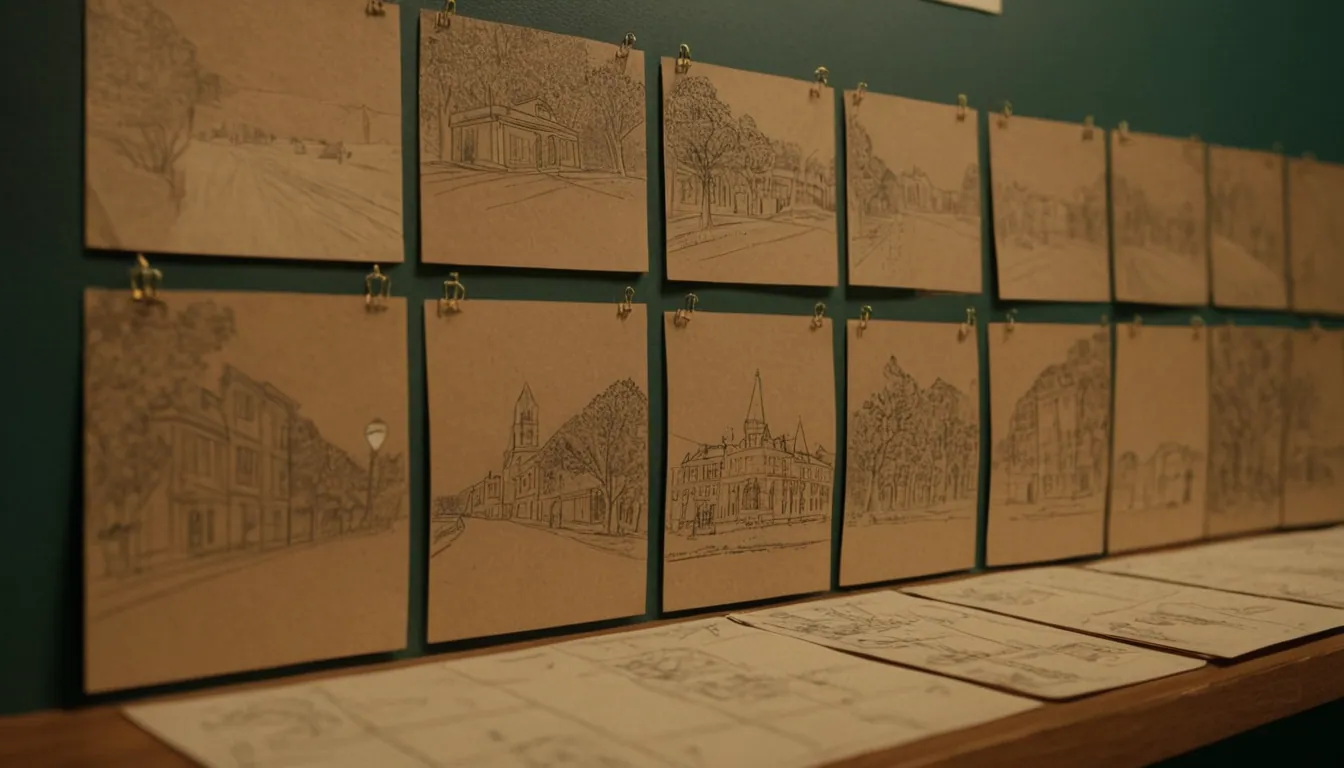
For video, plan with scripts and boards, as covered in how to storyboard a commercial before production. For other work, a short outline or wireframe serves the same purpose. Agree formats and sizes now, so you make the right versions once. This is also where you decide whether a piece uses AI, filmed footage or both, which AI video production for brands helps you weigh.
3. Make: work in rounds, cheapest first
Produce rough versions before polished ones: a script before a shoot, a boardomatic before animation, a low-resolution cut before finishing. Each round should answer a question, not just add polish.
4. Review: structured, not scattered
Give reviewers a single place to comment and a deadline. Limit rounds (two is a good default) and name one final approver. Ask reviewers to separate “must fix” from “preference”. Feedback in five different channels is the most common cause of rework.
5. Deliver: package, name, archive
Export the agreed formats, name files consistently, and store the source files, final files and approvals together. Write down usage terms. In Australia, ownership of commissioned work can depend on the kind of work and any agreement, so put it in writing; this is general information, not legal advice.
A lightweight tracking board
You can run this on a shared spreadsheet or any simple board.
| Column | Purpose |
|---|---|
| Brief received | Waiting for a complete brief |
| Planning | Scripts, outlines, formats agreed |
| In production | Being made |
| In review | With named approver, due date visible |
| Approved | Ready to finalise |
| Delivered | Archived with files and approvals |
Each card should show: owner, approver, deadline, formats, and a link to the brief. If a card has no approver, it does not move.
Quality checks that belong in the workflow
Build these in as a gate before delivery, not as an afterthought.
- Claims check. The ACCC says a business must be able to prove any claim it advertises (ACCC). Keep a note of the source for each claim in a piece.
- Accessibility check. For video with speech, WCAG’s Success Criterion 1.2.2 requires captions for prerecorded audio in synchronised media (W3C WCAG 2.2). Add captions as a delivery step.
- Brand check. Colours, fonts, logo use and tone against your guidelines.
- Technical check. Formats, sizes, audio levels, file names.
- AI check. Where AI was used, review frame by frame for artefacts and record the tools involved.
Reuse, so one brief feeds many outputs
Plan the derivatives at the brief stage. A single shoot or generation session can yield a long cut, short clips, stills and captions, as described in content repurposing: turning one campaign into multiple assets. Doing this up front is cheaper than reworking later.
Tooling: keep it boring
You need shared storage with a clear folder pattern, one place for tasks, one place for review comments, and a naming convention. Add automation only where a step is repeated and stable, such as exporting variants or filing approved files. Avoid tools that need their own training period when the team is small.
Trade-offs to accept
- More structure slows the first project slightly and speeds every later one.
- Limiting review rounds will occasionally leave a minor preference unaddressed.
- A single approver is fast, but needs the authority to decide.
Where Radiance Impact fits
Radiance Impact combines creative production, AI and technology, and can build workflow automation and ready-made automation kits for repetitive production steps. See /products and /studio, or about us and contact us to discuss what suits your team.