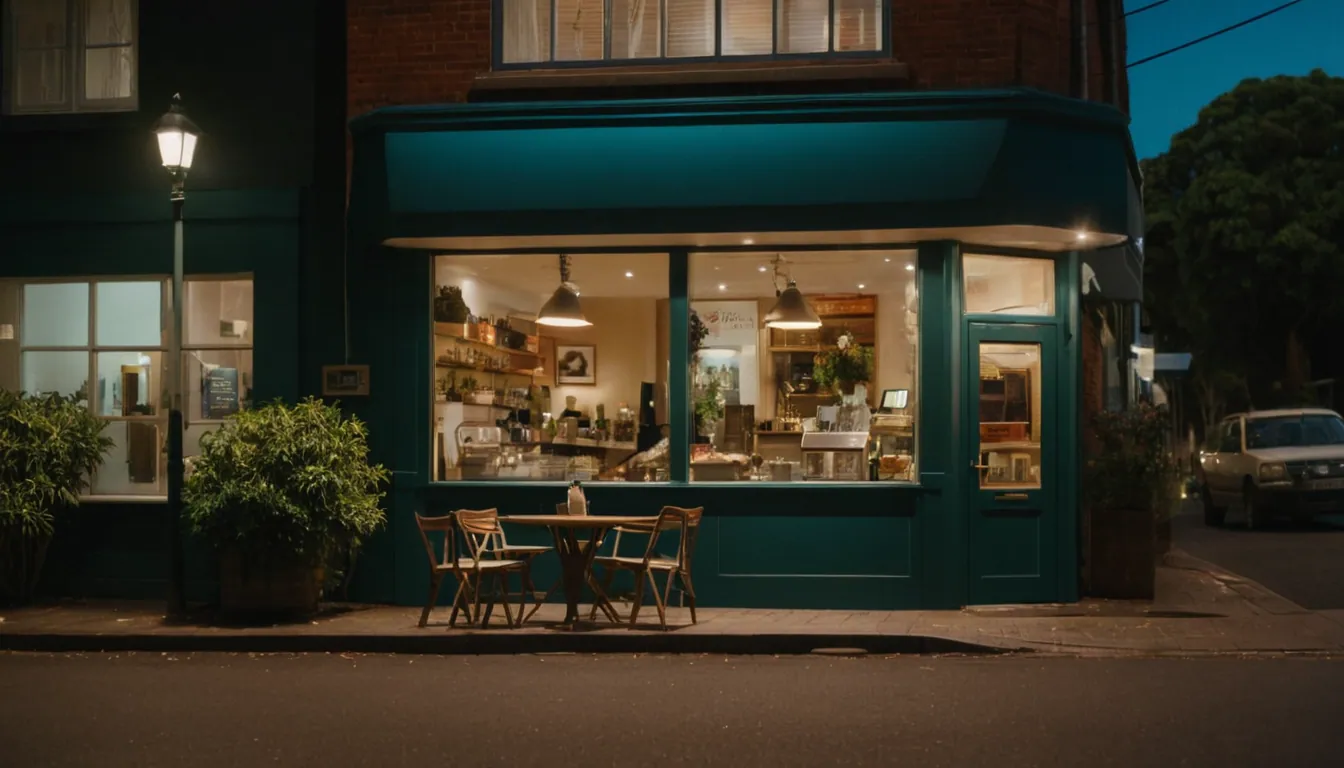
A local business can use Facebook in four distinct ways: a Page as the public presence, a Group for a community around a topic, Events to fill a specific date, and Messenger to answer questions quickly. You rarely need all four. Pick the one that matches your goal, run it consistently, and treat the rest as optional.
Start with the job, not the feature
| Goal | Best-fit tool | Why |
|---|---|---|
| Be findable and credible | Page | Public profile customers can follow and message |
| Build a regular-customer community | Group | Members talk to each other, not only to you |
| Drive attendance on a date | Event | Dated, shareable, with reminders |
| Reduce missed enquiries | Messenger automations | Instant first reply while you are busy |
Pages: your public shopfront
A Page is the base of everything else. Meta’s help pages describe creating Groups and Events by switching into the Page, so agree early who has access to it, and avoid a single person holding the only login.
Practical Page habits:
- Keep name, hours, address and contact details accurate and consistent with your website and other listings.
- Pin or feature the one thing a new visitor most needs, such as booking details.
- Post things local people care about: new stock, specials, behind-the-scenes, community news.
- Reply to comments and messages promptly. Reputation is built in public.
Facebook works best as one part of a wider plan, and the digital marketing strategy article explains how to weigh channels.
Groups: community, with more work
Page admins can create a Group that the Page manages, without using a personal profile. A Page can admin up to 200 groups, and those groups appear on the Page. Pages with age restrictions cannot be connected to a group (Meta: Create a Facebook group as your Page).
A Group suits businesses with a repeat, interested audience: a bike shop running a ride club, a garden centre with a plant swap, a studio with a class community. It does not suit a business with nothing to discuss. A Group needs moderation, rules and regular conversation starters, or it goes quiet.
Be honest about the commitment. A Page can run on a few posts a week. A healthy Group needs daily attention in its early months.
Events: the strongest local tool
Events give a dated reason to act. According to Meta, all events hosted by Pages are public. To create one, switch into the Page, open Events, choose to create a new event, enter name, date and time, and choose in person or virtual. Events can be edited after creation (Meta: Create an event for your Page).
Good uses include a tasting, a workshop, a launch, a market stall appearance or a charity fundraiser. Because events are public, never put private details such as a customer list or a private address in the description.
Tips:
- Publish two to three weeks ahead, then post a reminder the week of the event.
- Put the practical details (location, cost, how to book) in the first lines.
- Use a clear photo of the actual venue or product.
- After the event, post photos and thank attendees. That content feeds the next event.
Messaging: speed matters
Many local enquiries arrive as messages. Meta provides inbox automation tools for Pages, and a common approach is an instant reply that acknowledges the first message and says when a person will answer. Check Meta’s current help pages for what is available, because menus and features change. Automation should set expectations, not pretend to be a person.
A weekly routine
- Monday: one useful post (a product, a tip, or a local story).
- Midweek: reply to every open comment and message.
- Thursday: promote the next event or offer.
- Friday: a behind-the-scenes or customer-friendly post.
- Monthly: check which posts got replies, not just reactions, and do more of those.
Limits to keep in mind
- Organic reach on Pages varies, and Facebook does not guarantee that followers see your posts. When a message must reach people, support it with email and your website. See organic social versus paid advertising for when paid boosts make sense.
- Facebook is rented space. Own your contact list and your website.
- Short video often earns attention; video marketing for small businesses covers where to start.
- Platform features and menus change. Verify steps in Meta’s current help pages.
Where Radiance Impact fits
Radiance Impact’s Growth and Marketing team helps businesses plan social media and campaigns alongside search, and its Studio produces short-form video. If you want a channel plan that does not depend on one platform, see Growth or contact us.
Sources
- Create a Facebook group as your Facebook Page, Meta Help Centre
- Create an event for your Facebook Page, Meta Help Centre