A shot list is a table with one row per planned camera shot, tied to a scene, with enough detail for the crew to set up and the editor to cut. Coverage is the set of shots that lets a scene be edited together. To build one, break the script or storyboard into scenes, list the shots each needs, group them by setup, and mark which are must-haves.
Shot list versus storyboard
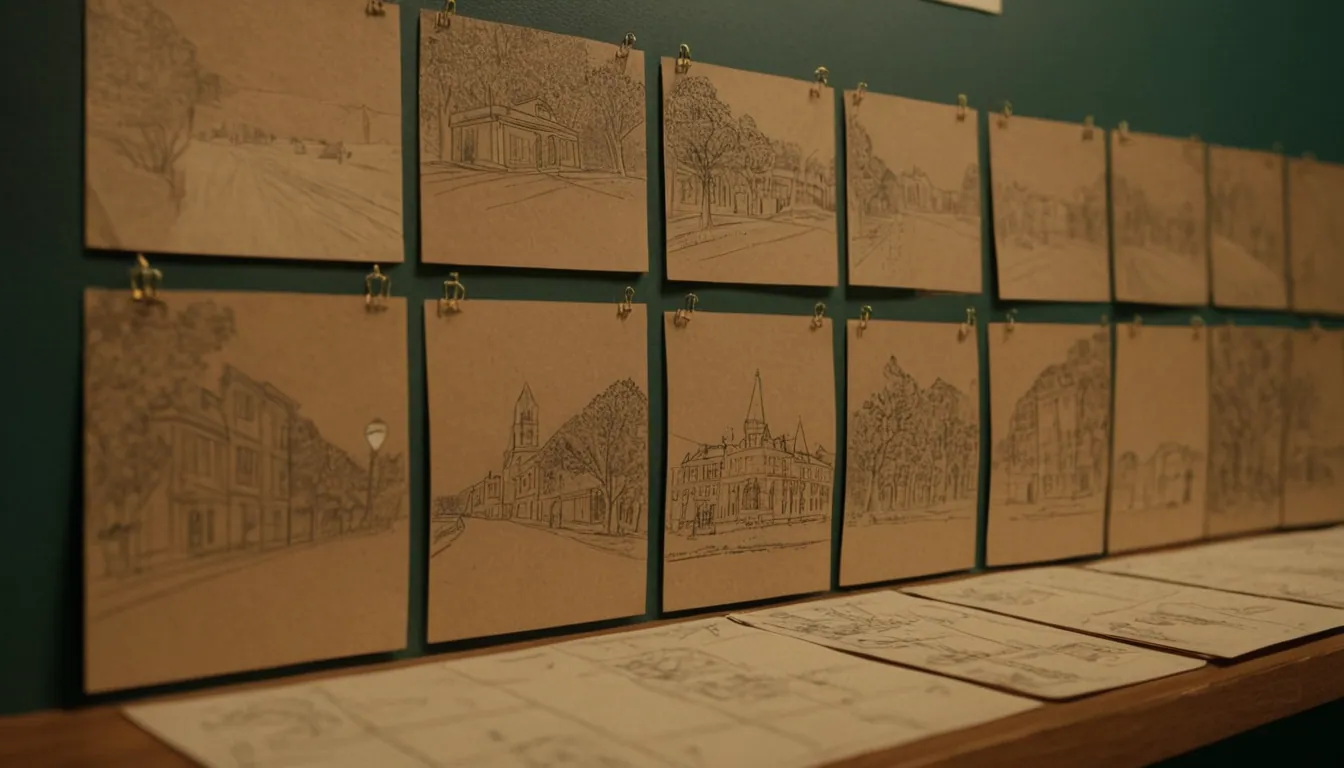
A storyboard previews how scenes will look; a shot list turns that direction into specific camera setups. Vimeo’s guide notes that a storyboard shows how scenes will unfold, while the shot list becomes the filming instructions, and a shooting schedule then fits the shots around location, time, equipment and talent. If you have not yet drawn the visuals, start with storyboarding a commercial.
Columns to include
Adobe describes a shot list as a pre-production cheat sheet that guides the crew through the day’s camera setups. A practical set of columns:
| Column | Purpose |
|---|---|
| Shot number | Unique reference for crew and editor |
| Scene | Ties the shot back to the script or storyboard |
| Location | Where it is shot |
| Shot size | Wide, medium, close-up, insert |
| Angle and movement | Fixed, pan, tilt, dolly, drone and so on |
| Lens or equipment | Only if it affects setup |
| Description | What happens in frame |
| Audio notes | Dialogue, sound to record, wild track |
| Priority | Must-have or optional |
| Status | Planned, done, retake |
Keep it scannable. Adobe warns that over-detail makes a shot list less useful, so add columns only when someone on set will use them.
Planning coverage
Coverage means giving the editor options. Vimeo advises giving each shot a scene reference so you can confirm coverage before filming, and including enough variety in framing and angles without adding shots that do not serve the video. A sensible baseline for a scene:
- Establishing or wide shot to show where we are.
- Medium shot for the main action.
- Close-up for detail or emotion.
- Insert or cutaway for the product, hands or key object.
- Alternate angle only if the story needs it.
For product and brand work, add hero product shots, texture and detail shots, and a clean plate (a shot without people or distractions) that gives the edit breathing room. Adobe suggests keeping to no more than four or five shots per scene when time is tight and rehearsal is limited.
Group by setup, not by script order
You do not need to shoot in edit order. Vimeo notes that grouping setups that share camera position, lighting, lens or equipment saves time, such as filming all presenter shots on one lens before switching to close-ups. Adobe makes the same point: capture everything possible from one setup before moving camera and lights.
Build two views of the same table: the story order for the edit, and the shooting order for the day. A spreadsheet filter handles this easily.
Prioritise
Before the day, mark each shot must-have or optional. If light fades or talent runs short, the crew then knows what to drop. A simple three-tier scheme:
- A: the shots without which the video fails
- B: shots that strengthen it
- C: extras if time allows
Review the list at the start of the day and update status as you go.
Common mistakes
- Listing every possible angle for every line of dialogue
- Forgetting audio notes, then discovering unusable sound
- Ignoring the shooting schedule, location access and talent availability
- No priorities, so the hero shot is left for the last light
- Treating the list as fixed: leave room for unplanned moments
How AI changes the list
If part of the video will be AI-generated, keep a separate section for those shots, with the prompt intent and the live-action shots they must match. The decision between approaches is covered in AI commercial production vs traditional filming. Every shot should also serve the single idea at the centre of the work, as described in building a campaign around one creative idea.
Where Radiance Impact fits
Radiance Impact’s Studio produces commercials, brand films and short-form video, from planning through post-production. To discuss a shoot, contact the team.