An AI commercial moves through the same logical stages as any advertising production: brief, concept and script, visual planning, generation, edit, sound, review and delivery. What changes is where the effort concentrates. Planning and selection carry more weight, and revisions happen by regenerating rather than reshooting. This guide sets out the stages in order and shows which ones depend on which, without quoting durations, since those vary with the project.
The stages and what each produces
| Stage | Main output | Depends on |
|---|---|---|
| 1. Brief | Objective, audience, message, constraints | Client decisions |
| 2. Concept and script | Approved idea and script | Brief |
| 3. Visual planning | Storyboard, style frames, reference material | Script |
| 4. Asset preparation | Product images, brand assets, rights cleared | Brief, style frames |
| 5. Generation | Candidate shots | Storyboard, references |
| 6. Selection and edit | Picture lock | Shots |
| 7. Sound and voice | Music, effects, voice, mix | Picture edit |
| 8. Grade and finishing | Colour, titles, end card | Picture lock |
| 9. Review and compliance | Approved master | All above |
| 10. Delivery | Final files and cutdowns | Approval |
Stage by stage
1 and 2. Brief, concept and script
Everything downstream depends on a clear objective. Define who the ad is for, the one thing it should say, where it will run, and the mandatory elements such as legal lines or logos. The script should match the format: our guide to a cinematic 15-second ad shows how tightly a short spot must be structured. Lock the script before visuals so changes do not cascade.
3. Visual planning
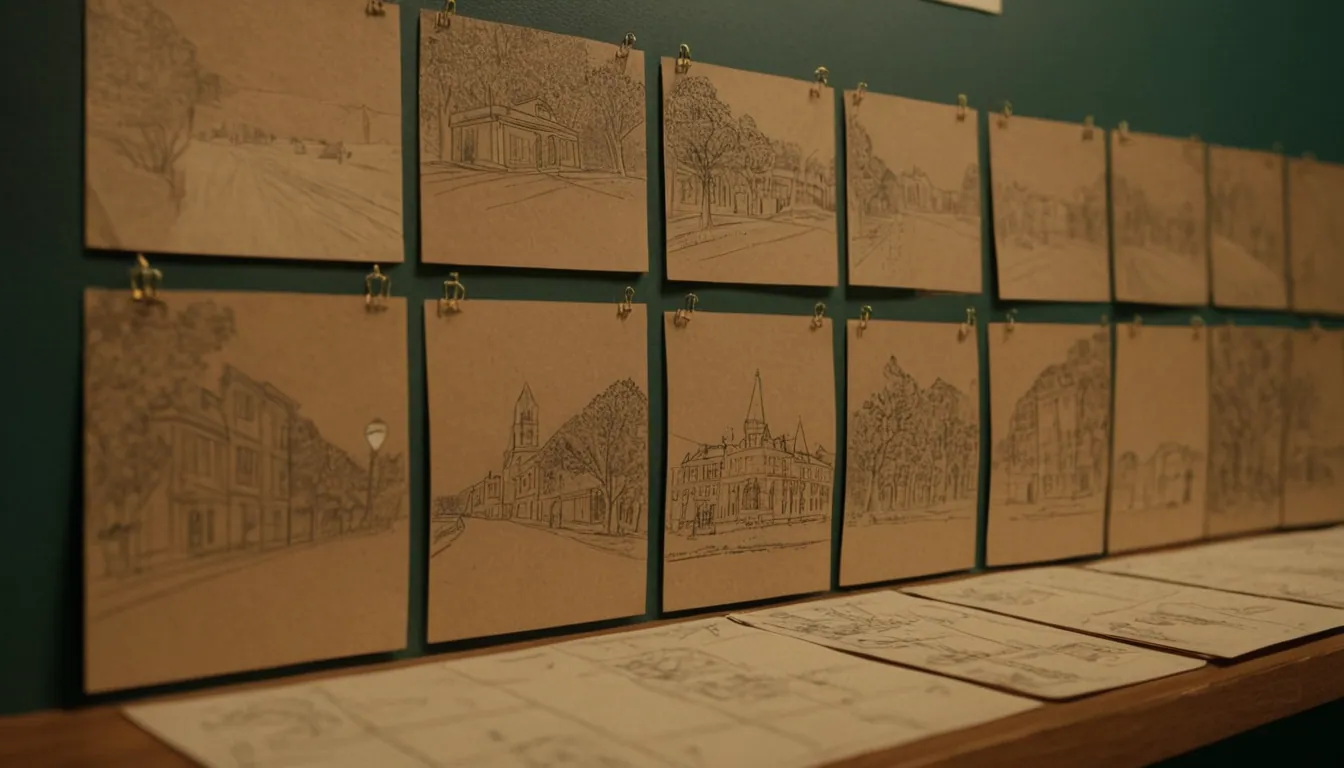
Storyboards and style frames turn words into images and let the client approve direction cheaply. See how to storyboard a commercial for the process. This is the best point to catch problems, because changes here cost far less than changes after generation.
4. Asset preparation
Gather real packshots, logos, fonts and any reference material. Confirm that you have the rights to everything you feed into the process. For product work, the product must look as it really is, a point covered in AI product videos.
5. Generation
Shots are generated against the storyboard, usually in several attempts each. Expect to select from candidates rather than accept the first result. Consistency of characters, products and text can be a challenge, so some elements are often composited or replaced in post. The limitations of AI video explain what to plan around.
6. Selection and edit
The best takes are chosen and cut together. Many production teams stop adding shots at “picture lock”, because sound, grade and graphics depend on the final timing.
7. Sound and voice
Music, effects and voiceover are placed against the locked picture. Sound is often as influential as visuals, so it deserves its own pass rather than being left to the end.
8. Grade and finishing
Colour correction unifies shots from different generations. Titles, legal lines and the end card are added here.
Dependencies that cause delays
- Late script changes force new storyboards, shots and sound.
- Unclear approvals stall every stage. Name who signs off at each gate.
- Missing assets or rights can stop generation.
- Changing picture after sound means redoing sync and mix.
A sensible rule is to approve in order and treat each approval as a lock. Reopening an earlier stage should be a conscious, costed decision.
Review, disclosure and delivery
Check the final cut against the brief, brand guidelines and applicable advertising law. Platforms also have rules about AI content. YouTube, for example, asks creators to disclose realistic content that was fully or partly created or meaningfully altered with AI, such as realistic scenes that never happened, using a setting in YouTube Studio (YouTube Help). Policies change, so check the current rules for each platform before delivery.
Some teams also attach provenance data. The Coalition for Content Provenance and Authenticity (C2PA) develops open, global technical standards for content provenance, which describe where digital content came from and how it was edited (C2PA about page). Support varies across tools and platforms.
Finally, export the master and the agreed cutdowns and formats, and archive project files, prompts and rights records.
Where Radiance Impact fits
Radiance Impact’s Studio produces AI commercials and product films, brand films, short-form video, post-production, voice and sound. Read the overview of AI video production for brands, visit our Studio page or contact us to discuss a project.
Sources
- Disclosing use of altered or synthetic content, YouTube Help
- About C2PA, Coalition for Content Provenance and Authenticity