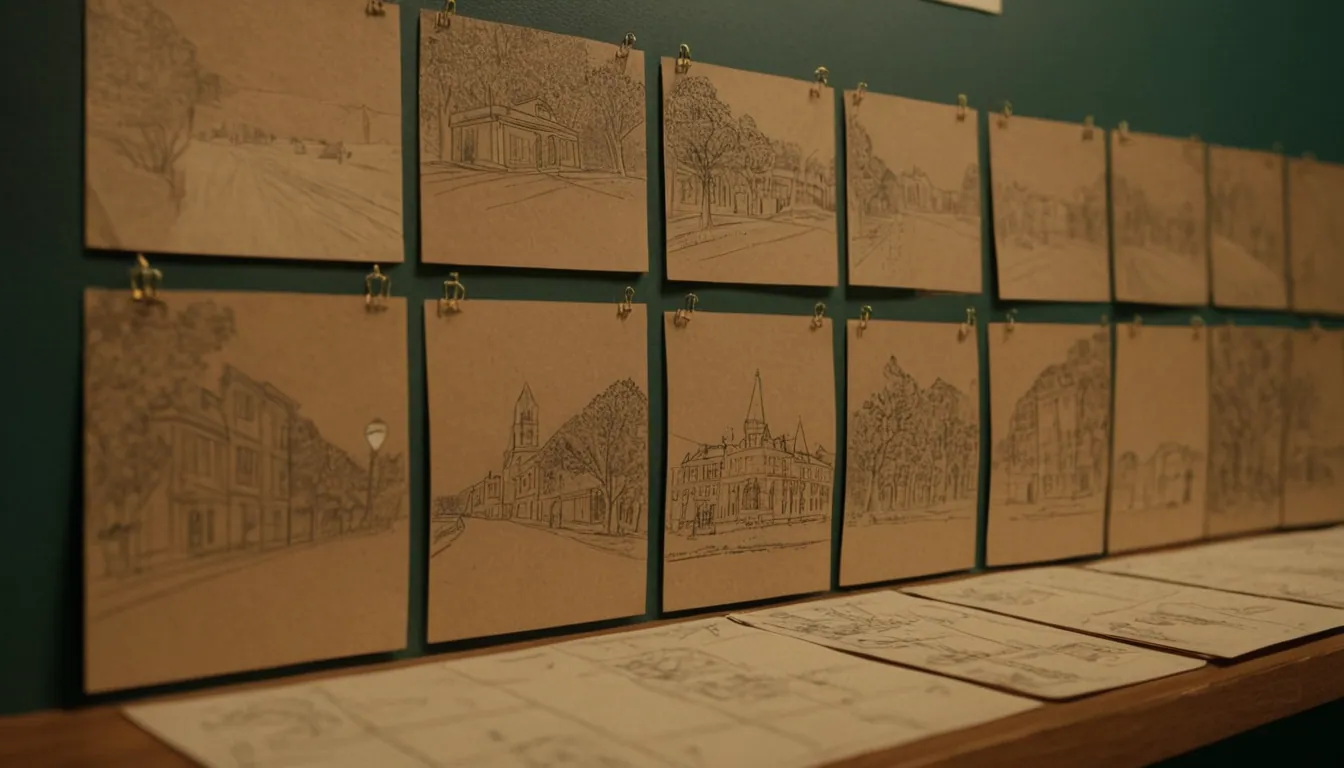
A cinematic 15-second ad works by committing to one idea, one emotion and one action. There is no room for a story with a subplot. The craft is in choosing what to leave out, making the first image count, and letting sound and an end card carry the message.
This guide is about craft rather than platform specifications, so it applies whether the spot is filmed, generated or a mix. Platform sizes and safe zones are covered separately in our short-form video ads guide.
Start with a single sentence
Before any shot list, write one sentence: “In 15 seconds, [audience] should feel [emotion] about [product] and do [action].” If you cannot write it, the ad will try to do too much.
Then choose one proof. Ads that list three product benefits in 15 seconds usually leave none behind. Pick the benefit that matters most and show it rather than saying it.
A beat structure for 15 seconds
The timings below are a working template, not a rule. Adjust them to your idea.
| Beat | Approx. seconds | Job |
|---|---|---|
| Hook | 0 to 2 | A striking, specific image or sound that makes the viewer stop |
| Setup | 2 to 5 | Establish the world or problem in one or two shots |
| Turn | 5 to 10 | The moment the product changes something |
| Payoff | 10 to 13 | The emotional or visual high point |
| End card | 13 to 15 | Logo, one line, call to action |
Notice there is no slow introduction. In a spot this short, the logo and message should not wait until the end of a long build.
The opening seconds
The first two seconds earn the rest. Practical ways to make them work:
- Start in motion or mid-moment. Open when something is already happening.
- Use one clear subject. Busy frames read as noise on a phone.
- Make the first image specific. A particular object, texture or gesture is more arresting than a generic skyline.
- Plan the sound at the same time. A distinctive first sound can hold attention even before the viewer commits to the picture.
- Avoid a logo animation as the opener. A brand sting in the first second tells people to scroll.
Treat the opening as a thing to test: film or generate two or three alternate openings and compare them in a small test, not by opinion.
A shot list for 15 seconds
Seven to nine shots is plenty. A sample structure for a hypothetical product spot (a reusable water bottle, say):
- Close detail: condensation on metal, in light. (hook)
- Wider: a hand reaches for the bottle on a bench, morning sun.
- Medium: the person leaves, bottle in hand.
- Insert: the lid clicks shut, close on the mechanism. (turn)
- Action: a run, a climb or a commute, depending on the idea.
- Close: the person drinks, relief on their face. (payoff)
- Hero shot: bottle on a clean surface, logo and line.
- End card.
Vary shot size and direction of movement between cuts so the ad feels edited rather than stitched. Keep camera moves simple: a slow push, a lateral track, a handheld moment. If you are generating shots, short, simple movements generate more reliably than complex ones. Boards or an animatic will reveal weaknesses cheaply, see how to storyboard a commercial.
Pacing and cutting
- Average shot length. Around two seconds per shot suits a 15-second spot, with a few shots held longer for impact.
- Cut on action. Cutting during a movement hides the join.
- Give the payoff room. Hold the high point a beat longer than feels natural.
- Count your words. One short line of voiceover or on-screen text is enough. If you must have two, they must not compete.
- Check on a phone. Review at the size and brightness people will see it.
Sound design
Do not treat sound as an afterthought. Platforms recommend it: Meta notes that Reels play with sound on by default and recommends including audio (Meta), and Google’s guidance for Shorts ads advises vertical, sound-on ads that use music or voiceover (Google Ads Help). Still, design for sound-off too: the picture and any text should make sense on mute.
A simple sound plan:
- Anchor sound in the first second (a texture, a click, a breath).
- Music that builds to the turn, with a clear change at the payoff.
- Effects that make the product feel physical: the lid, the pour, the footstep.
- Silence or a drop just before the payoff can create emphasis.
- Voiceover, if any, kept short and clear, and mixed above the music.
- Licensing. Confirm the music, voice and effects are licensed for your placements. See international content licensing for the basics.
The end card
The last second or two should be plain and legible.
- Logo, one line and one action.
- Hold it long enough to read at a glance.
- Keep text away from the edges where interface elements can cover it.
- Match the claim on the card to what the ad shows, because the Australian Consumer Law requires claims to be accurate and provable (ACCC).
Also check where the platform places a call to action button. Google’s Shorts ads guidance says the button appears after 3 seconds for some campaign types and after 10 seconds for others, so do not rely on it as your only call to action (Google Ads Help).
Cutting a 6-second version
A 6-second cutdown is not the 15 with things removed. Re-plan it.
- Keep the hook, the turn and the end card.
- Drop the setup completely.
- Use two or three shots, held longer than you would think.
- Rebuild the sound: one anchor sound, one music peak.
- Make the end card larger and shorter.
- Check the cutdown works if the viewer has not seen the 15.
Google’s guidance lists a range of 6 to 60 seconds for video reach campaigns (Google Ads Help), which shows short versions have a home. Plan cutdowns at the shot list stage, because retrofitting them rarely works. See content repurposing for managing versions.
Quick quality checklist
- One idea, one emotion, one action.
- Specific, moving first image.
- Product visible and accurate by the turn.
- No more than nine shots.
- Sound designed, and the picture still reads on mute.
- End card legible on a phone.
- All claims provable; all music and likenesses cleared.
- 6-second version planned.
Common mistakes
- Trying to tell a full story. A 15-second spot can deliver a moment, not a plot.
- Opening with the logo. Earn attention first.
- Too many shots. Fast cutting without a point feels busy rather than cinematic.
- Ignoring the mute case. If the idea needs sound to make sense, add on-screen support.
- Unplanned cutdowns. Decide on the 6-second version before you shoot or generate.
- Late legal checks. Claims, music and likenesses are easier to fix at script stage than after the grade.
Where Radiance Impact fits
Radiance Impact is a Brisbane-based creative technology studio. Its Studio produces AI commercials and product films, short-form and social video, post-production, and voice and sound. If you have a short-form concept to develop, contact us or see the Studio page.
Sources
- Instagram and Facebook Reels ads, Meta for Business
- YouTube Shorts ads: Asset specs and best practices, Google Ads Help
- False or misleading claims, ACCC