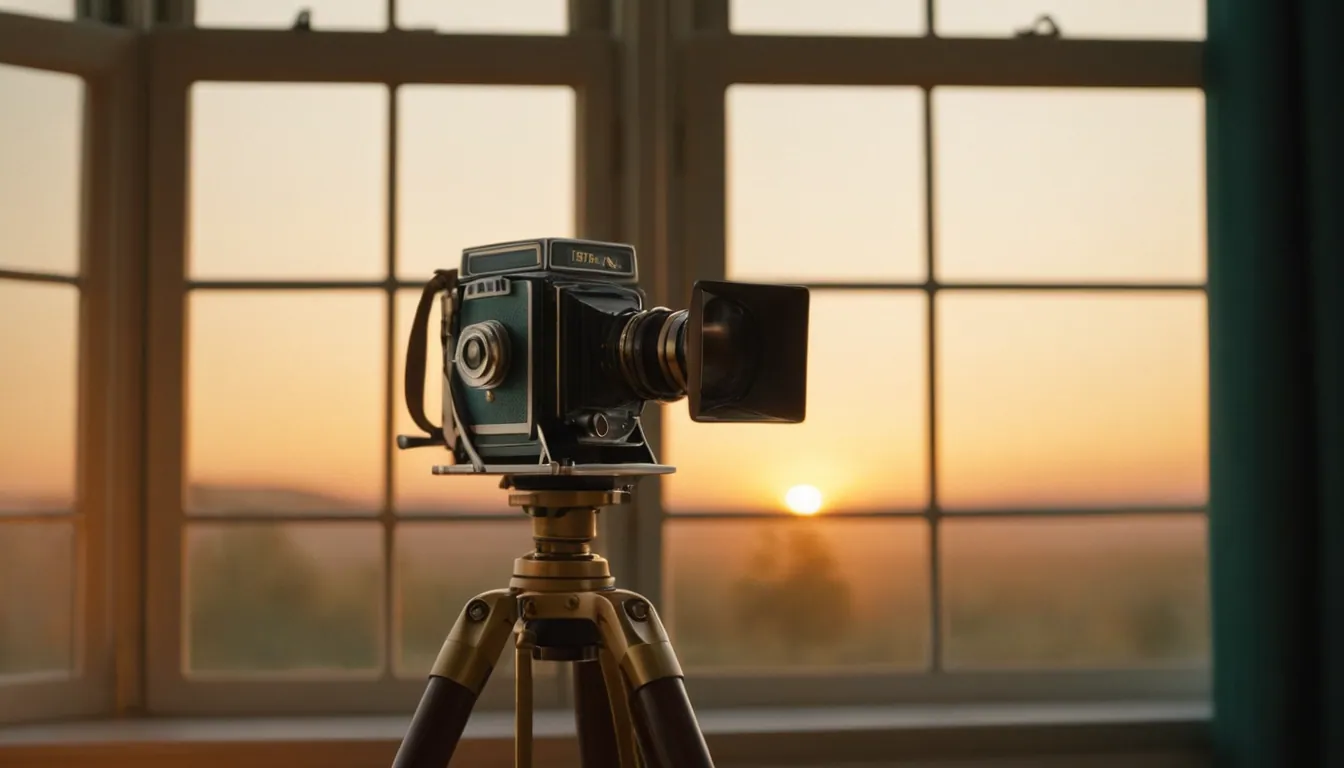
You control lighting in AI video by describing the light itself, not just the scene: its source, quality, direction, colour and time of day, in the same words from shot to shot. Models respond to specific lighting language far better than to “good lighting” or “cinematic”. Consistency across a sequence comes from reusing a short lighting description and changing only what the story requires.
This article is about light and mood, not camera lenses or movement. For prompt order in general, see how to write prompts for cinematic AI video shots.
Describe the light like a gaffer
Think of the parts a lighting crew would specify.
- Source: window, lamp, sun, neon sign, candle, overhead fluorescent.
- Quality: soft and diffuse, or hard with defined shadows.
- Direction: from the side, behind (backlight), above, low.
- Colour: warm, cool, or a contrast of both.
- Contrast: gentle and even, or deep shadows and bright highlights.
OpenAI’s Sora 2 prompting guide says light determines mood as much as action or setting, that a single strong source creates contrast while diffuse light feels calm and neutral, and that you should specify both the quality of the light and its colour anchors. It contrasts a vague “brightly lit room” with a specific setup of soft window light, warm lamp fill and a cool edge from the hallway.
A working vocabulary
Google’s video generation prompt guide lists lighting among its visual style options, including natural, artificial and cinematic lighting, with examples such as “soft morning sunlight streaming through a window” and “low-key lighting for a dark, mysterious mood”. It also offers palette phrases such as “warm autumnal oranges and browns” and atmosphere details such as “floating dust motes in a sunbeam”.
You can use these as building blocks:
| Mood you want | Lighting language to try |
|---|---|
| Calm, inviting | Soft window light, warm lamp fill, gentle shadows |
| Tense, mysterious | Low-key lighting, deep shadows, a single hard source |
| Nostalgic | Warm, low sun, soft haze, muted palette |
| Clinical, modern | Even, cool, diffuse overhead light, clean highlights |
| Dramatic | Strong backlight, rim light, high contrast, visible atmosphere |
| Intimate | One practical lamp, dark surroundings, warm tones |
Results vary by model, so treat these as starting points and test them.
Time of day as a shortcut
Naming a time of day is an efficient way to set colour temperature and shadow length at once. Google’s guide lists options such as golden hour, midday sun, twilight, deep night and pre-dawn, and gives a time-lapse example where day transitions to night. A time of day is a cluster of lighting traits in a single phrase:
- Golden hour: warm, low, long soft shadows.
- Midday: hard, high, short shadows, strong contrast.
- Twilight: cool, dim sky, with warm artificial lights beginning to show.
- Night: reliant on practical light sources, so name them.
If a shot needs a specific mood, add the source as well, because “night” alone leaves the model to guess where the light comes from.
Keeping light consistent across shots
Inconsistent lighting is one of the clearest signs of AI-assembled footage: the same room changes colour from cut to cut. The Sora guide says keeping lighting logic consistent is what makes the edit seamless, and recommends keeping descriptions consistent across shots and reusing phrasing for continuity. Its example for edits is “same lighting, new palette”, where the light stays fixed and only the colours change.
A practical method:
- Write a lighting line once. For example: “soft window light from the left, warm lamp fill, cool shadows.”
- Paste it into every prompt for that scene, unchanged.
- Change one thing at a time when the story needs a shift, such as the lamp turning off.
- Pick three to five palette colours and repeat them. The Sora guide recommends a small set of anchors.
- Check shots side by side before polishing any individual shot.
- Grade at the end to unify what the model could not. See upscaling, grading and finishing AI video.
Image-led workflows help too, because a reference frame carries lighting information that words cannot. The wider problem of keeping people and products stable is covered in how to keep characters and products consistent across AI shots.
Limits to expect
- Models do not apply physics-accurate light. Shadows and reflections can drift within a clip.
- Light descriptions may be partly ignored, especially in busy scenes.
- Long clips can shift in exposure or colour part-way through.
- The same words can behave differently in different models and versions.
Generate several options, keep the closest, and fix the remainder in grading rather than regenerating endlessly.
Where Radiance Impact fits
Radiance Impact’s Studio produces AI commercials and product films, brand films and post-production, including colour and finishing. Explore the Studio or contact us to discuss a project.
Sources
- Sora 2 Prompting Guide, OpenAI Cookbook
- Video generation prompt guide, Google Cloud Documentation