A good cinematic AI video prompt describes one shot, not a whole film. Name the subject, say what it does, place it in a scene, then add camera, lens, light and mood in plain language. Specific, ordered detail usually beats a long list of style adjectives.
The anatomy of a shot prompt
Google’s published prompting guide for its Veo video model lists the elements that matter: subject, action, scene or context, camera angles and movement, lens and optical effects, visual style and mood, pacing, and audio. It also notes that “specificity helps avoid generic outputs”, and gives the example of a “playful Golden Retriever puppy” working better than “dog”. The same elements are a useful checklist for any current video model, although each tool weights them differently.
| Element | What to state | Weak version | Stronger version |
|---|---|---|---|
| Subject | Who or what is on screen | “a bottle” | “a frosted glass perfume bottle with a brushed gold cap” |
| Action | One clear movement | “moves” | “slowly rotates a quarter turn” |
| Scene | Place, time, weather | “in a room” | “on a marble bench beside a window at late afternoon” |
| Camera | Angle and move | “cinematic” | “low angle, slow dolly in” |
| Lens | Depth of field, focal feel | “nice focus” | “shallow depth of field, telephoto compression” |
| Light and mood | Source and colour | “moody” | “warm side light, soft shadows, muted palette” |
A before-and-after example
Imagine a Brisbane skincare brand wanting a hero shot of a serum bottle.
Before: “Cinematic video of a serum bottle, beautiful, high quality, epic.”
After: “A small amber glass serum bottle on a wet slate surface, a single drop falls from the dropper into a shallow puddle. Low angle, slow dolly in. Shallow depth of field, soft window light from the left, cool shadows, muted green and grey palette. Calm, unhurried pacing.”
The second prompt works better in principle because every phrase is something a model can render: an object, a motion, a camera move, a light direction. Words like “epic” and “high quality” give the model nothing to act on. Results still vary between runs, so treat any prompt as a hypothesis to test.
Practical rules
- One shot, one action. Cramming three movements into one clip invites drift. Split the idea into separate shots and join them in editing.
- Separate camera motion from subject motion. Say which one moves. Google’s guide points out that a zoom and a dolly are different things: in a zoom, the camera itself does not move.
- Describe what you want, not what you do not want. For unwanted elements, Google’s guide advises describing them directly rather than writing “no” or “don’t”.
- Keep audio in its own sentence. If the model supports audio, state it separately and clearly.
- Match length to action. Slow processes, such as a flower opening, need the clip duration in mind.
- Change one thing at a time. When you iterate, adjust a single element so you can see what caused the change.
Limits and trade-offs
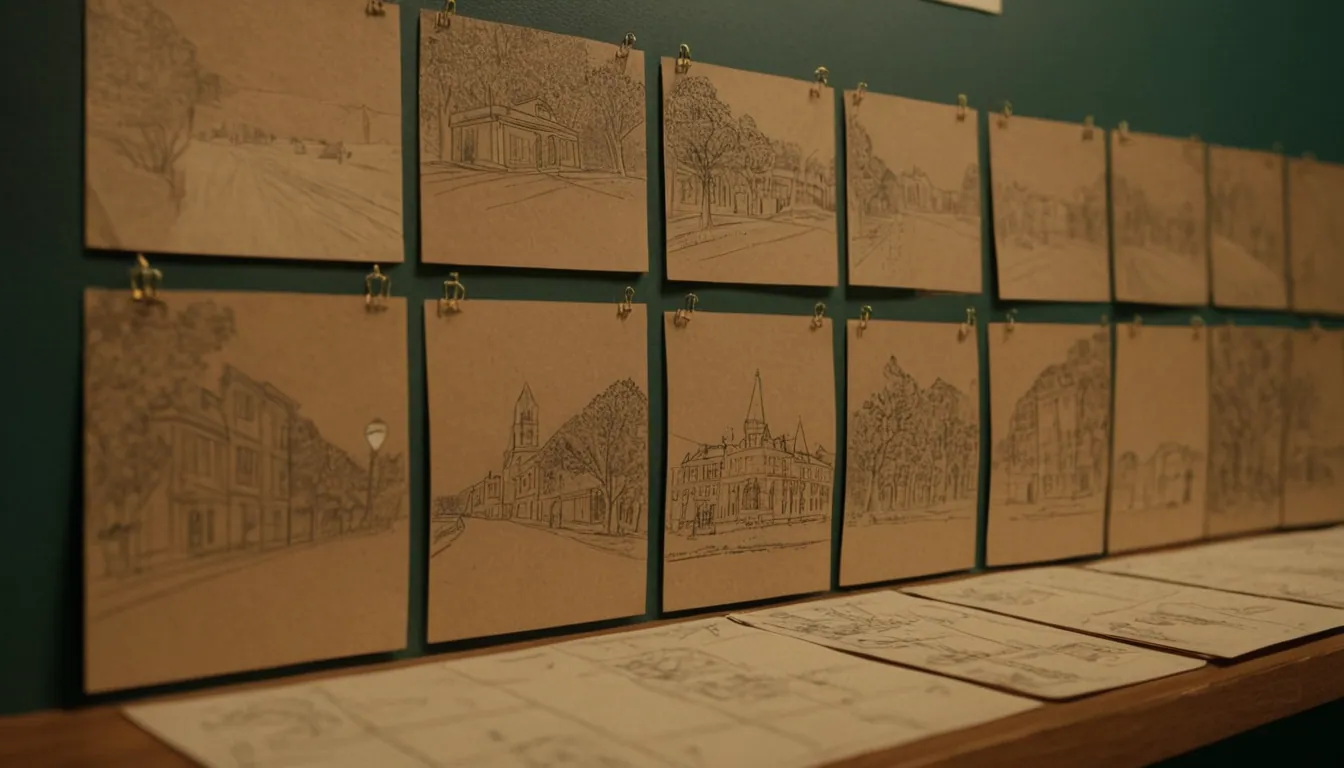
Prompt anatomy raises your hit rate but does not guarantee control. Some camera moves and lenses are not reliably supported, and Google’s own guide warns that results may vary for advanced angles. Brand-critical details such as logos, text and product proportions are risky to leave to a text prompt alone. For those, starting from an approved still often gives more control, which is covered in image-to-video vs text-to-video. Planning shots in advance also helps, as described in how to storyboard a commercial, and the broader workflow is covered in how to create a cinematic 15-second ad.
A reusable template
“[Subject with two or three concrete details] [one action] in [place, time of day]. [Camera angle], [camera move]. [Lens or depth of field]. [Light source and colour palette]. [Pacing or mood].”
Fill it in, generate, compare to your storyboard frame, and revise one element.
Next step
Radiance Impact’s Studio produces AI commercials, product films and short-form video. To discuss a project, get in touch.